Watch the videos
Each part of Markdrop has a video of a minute and a half or less, with chapters and captions. Each one plays at the top of the page that covers that part, so you can watch it and then read the details underneath. Choose a card to go to its page.
Using Markdrop
#Paste Markdown and get a page with diagrams, math and highlighted code, at a link you can name and keep editing. (1:31)
Upload an HTML page, PDF, spreadsheet, Word document, video or zipped site, and get a link that opens it in the browser. (1:26)
Anyone with the link, your team, or only people you add, plus passwords, expiry and access requests. (1:16)
Encrypt a document in your browser. The key stays in the link, and our servers never receive it. (1:18)
Shared folders and roles for your team, served from your own domain with your logo and colours. (1:16)
How far people read, which PDF pages they reach, and where viewers stop watching. Patterns, never who. (1:28)
Publish from VS Code, and every save updates the link. Web edits come back into your file. (1:20)
Let Claude, ChatGPT or Cursor publish and update links, and upload big files from the terminal. (1:29)
Send files straight to another device, encrypted, with nothing stored on a server. (1:23)
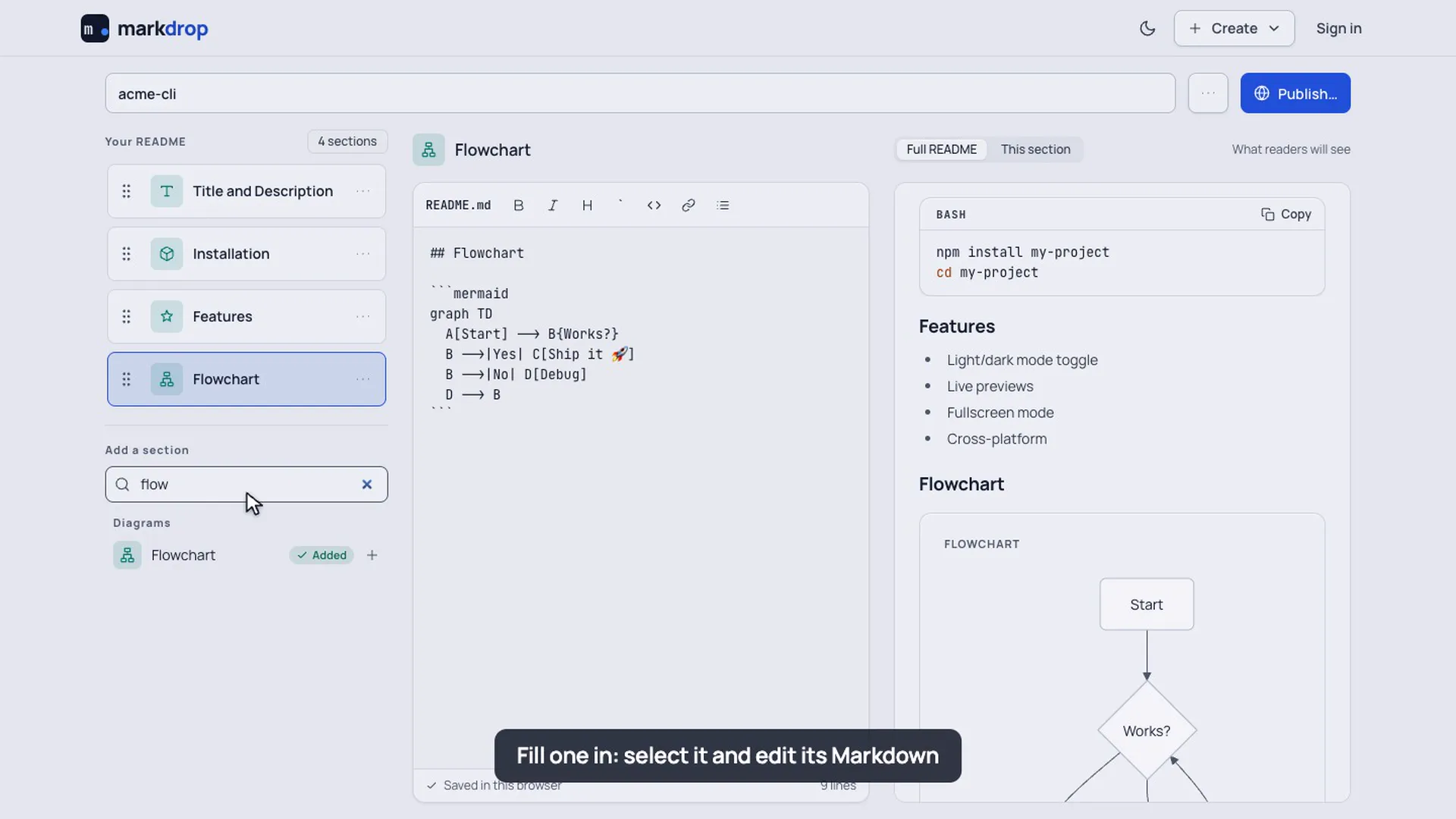
Build a README from 49 ready-made sections, diagrams included, then copy, download or publish it. (1:12)
Markdrop Guides
#Docs for your product that show you what to fix next: GitHub sync, the Fix list, AI-ready pages, live demos and private pages. (2:13)
Shorter clips
#Many pages also have a shorter narrated video that shows a single task, like replacing a file, publishing a zipped website or resolving a conflict in VS Code. They play where the task is described. Here's the one for the README builder: add sections, fill one in, drag it into place, and publish.