Collaboration
Pages and Markdown documents are where your team discusses the work, not just where it's written. Comment on a sentence, a block or the whole page, suggest the exact words, bring in the people who need to answer, and keep the Jira issues next to the text they're about. The page's text never changes until someone who can edit it says yes.
What you can do
#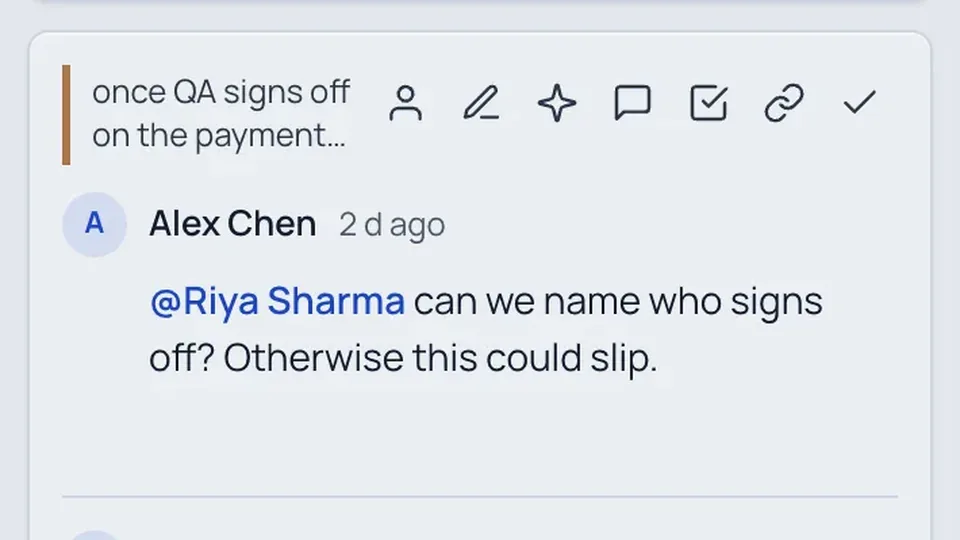
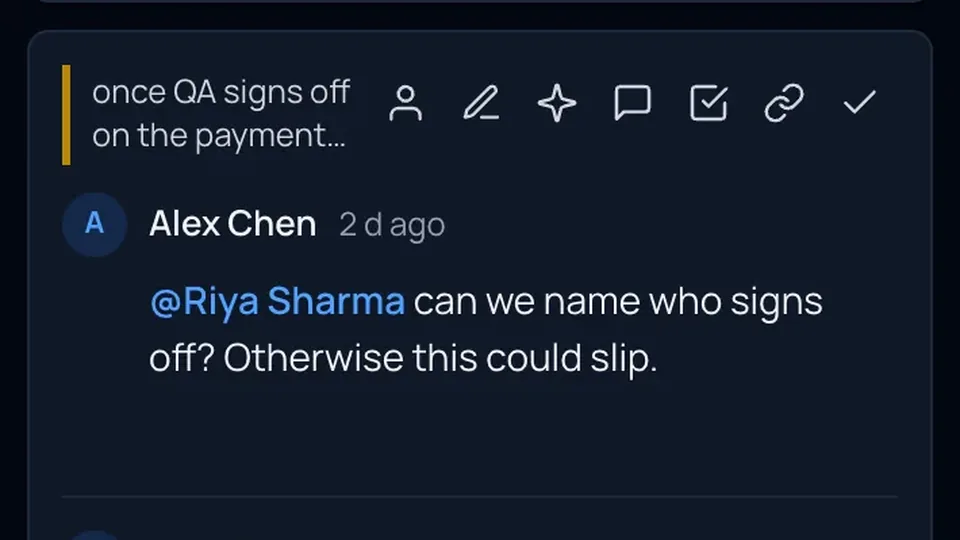
Comment on selected text, a block or the page. Reply, @mention, react and resolve, live for everyone who has the page open.
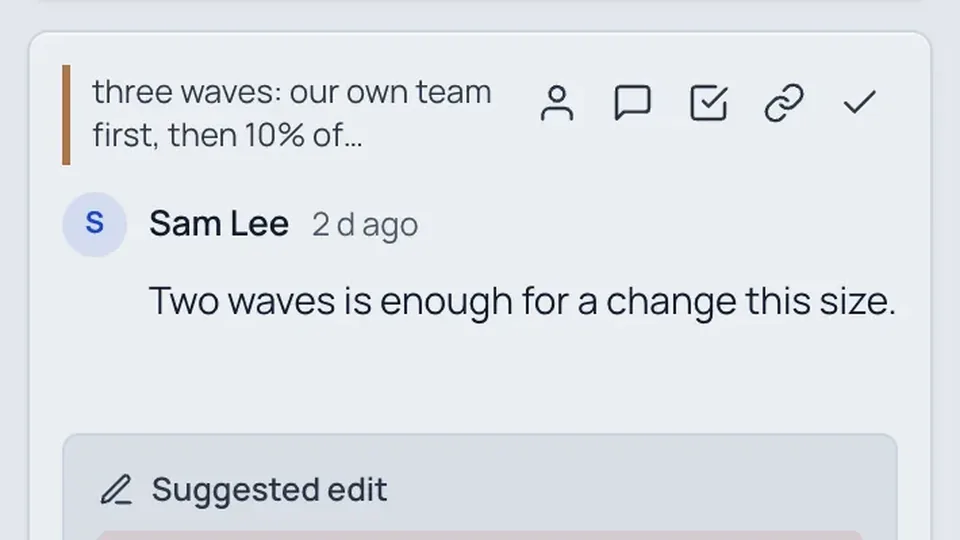
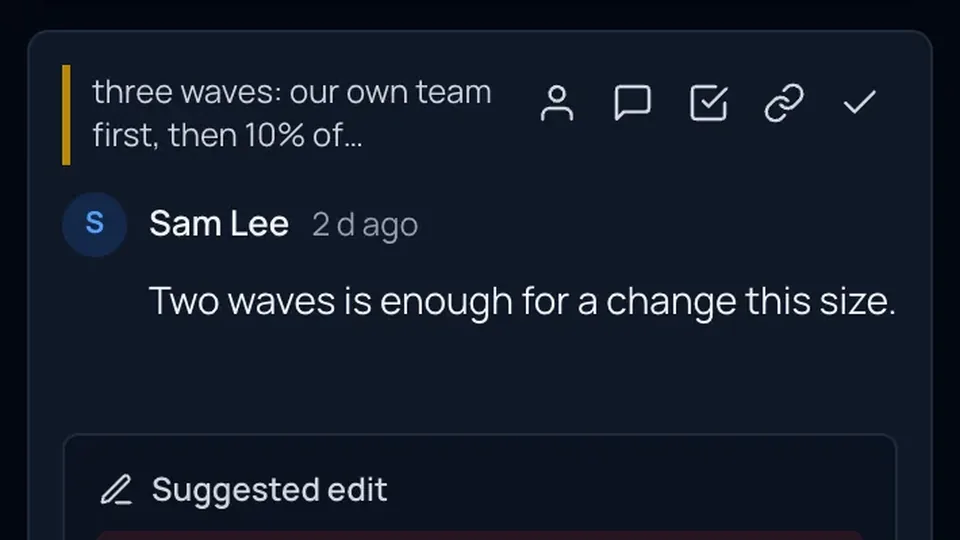
Propose the exact words; an editor accepts in one click. Apply with AI, Summarize, @AI in a thread and a tone check.
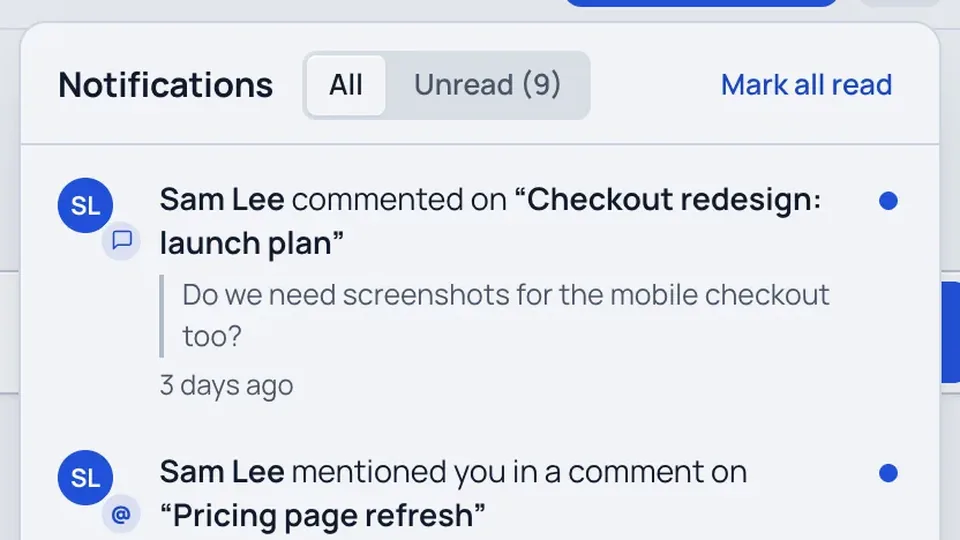

The bell, calm email (instant mentions, batched replies), Slack messages with Reply and Resolve, and a daily digest.
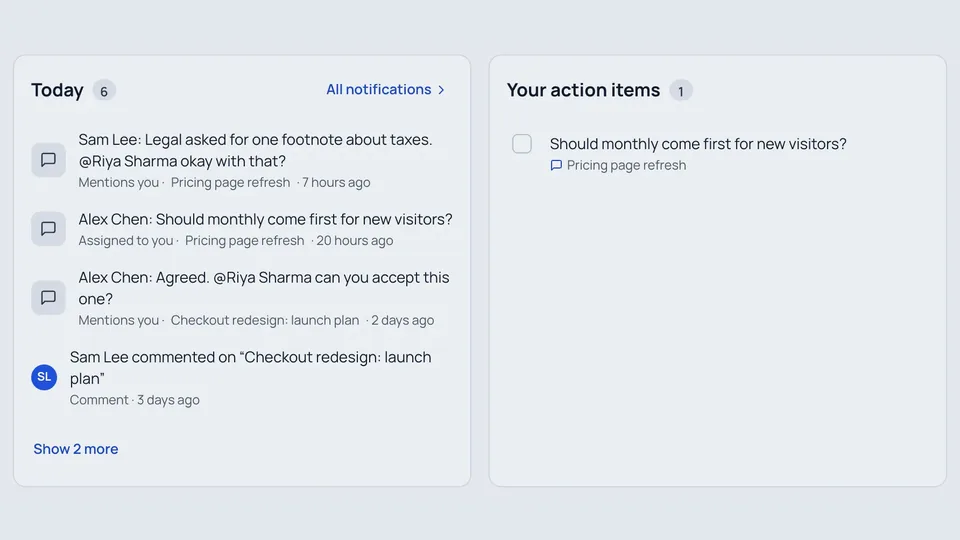
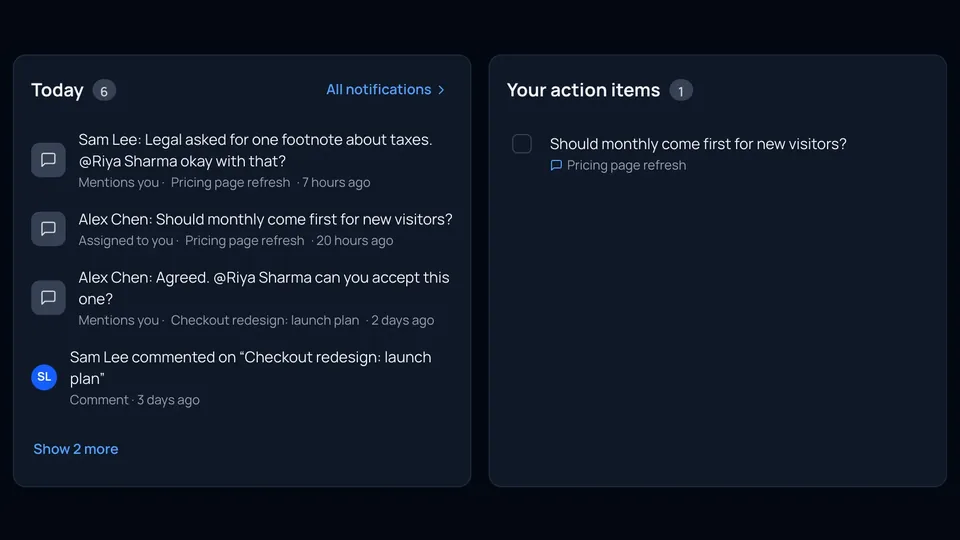
Turn a thread into someone's task, see what's waiting on you on Home, and sign off knowing what's still open.
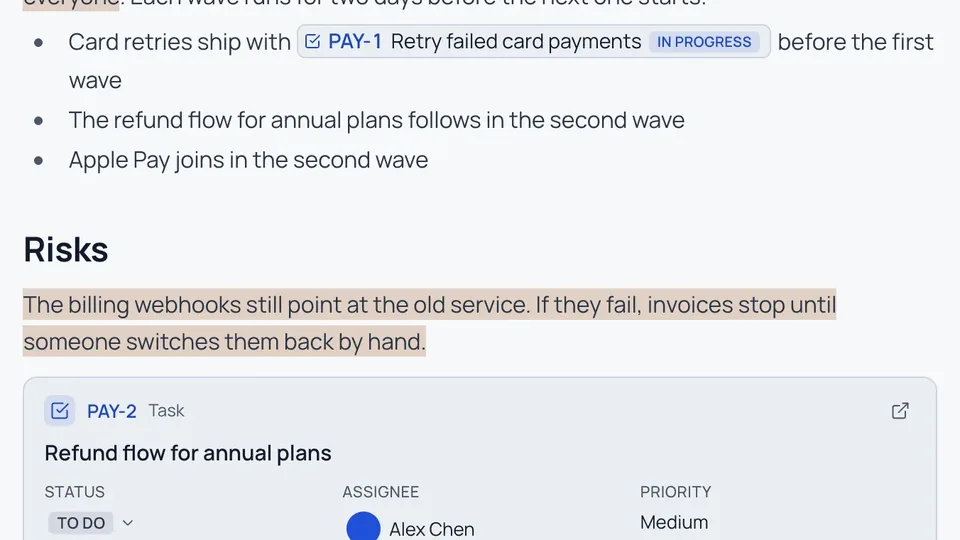
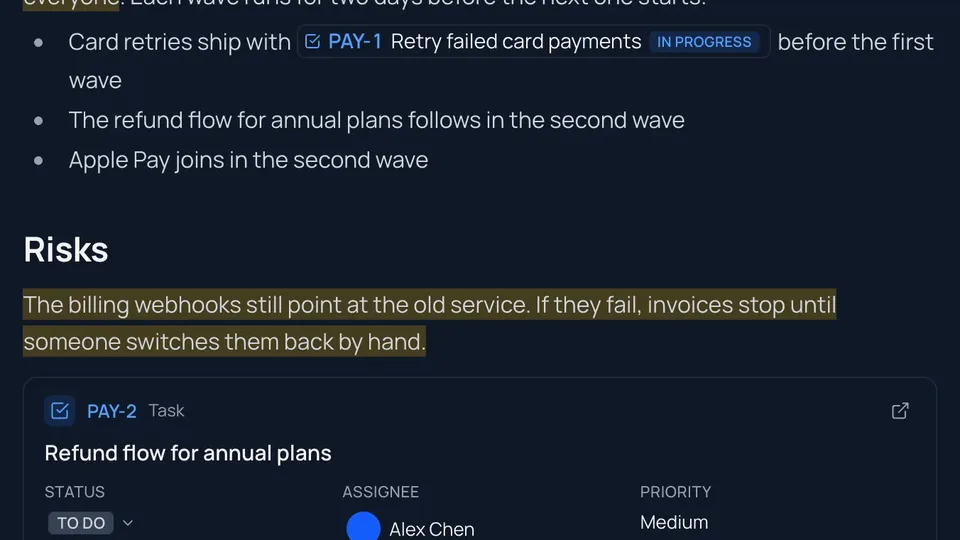
Live chips, cards and lists. Change status and assignee from the page, and turn a thread into an issue.
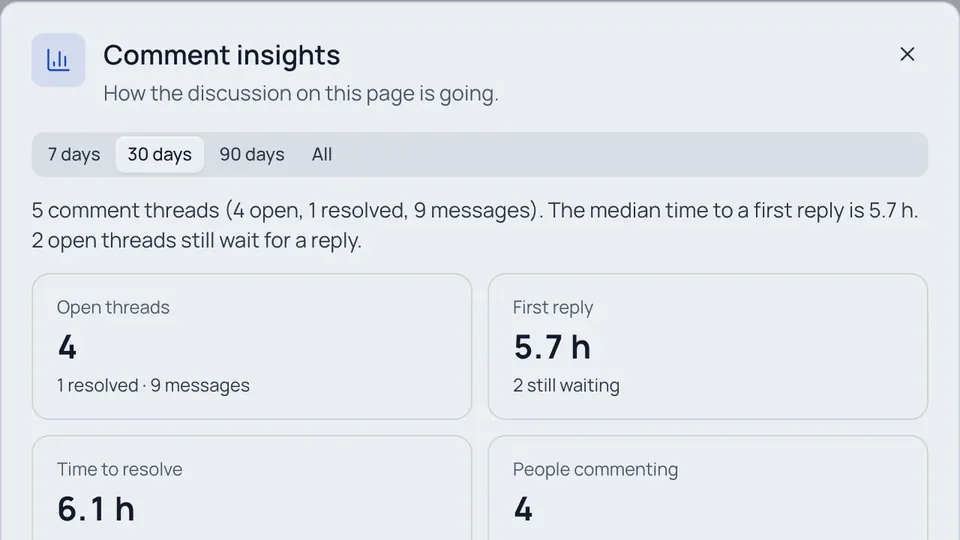
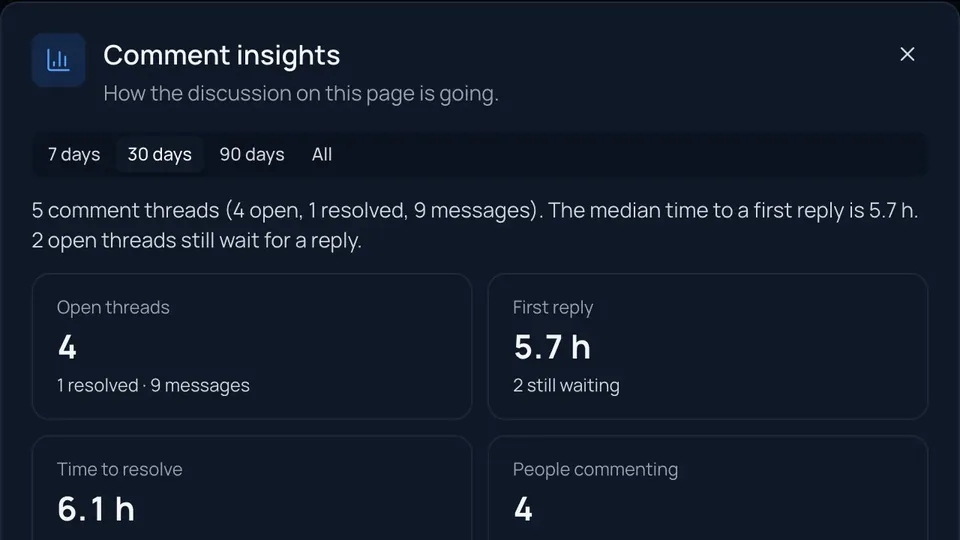
How a discussion is going: first reply, time to resolve, most-discussed sections. Export pages with their comments.
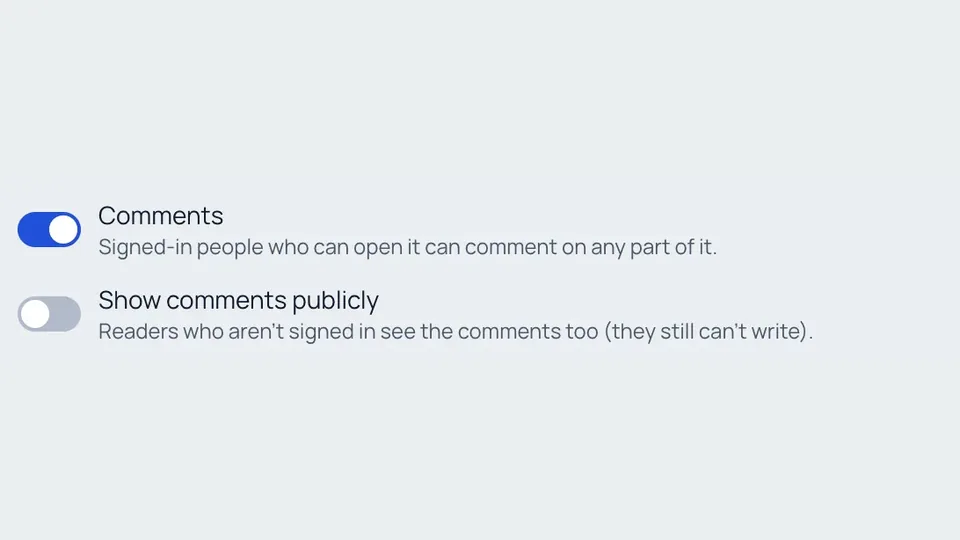
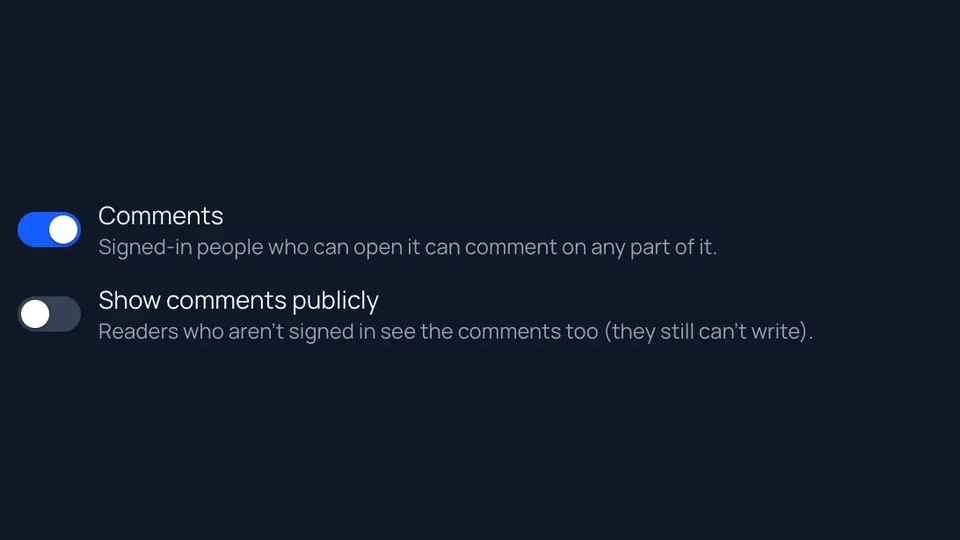
Who sees and writes comments, showing them publicly, and turning them off for an item or a workspace.
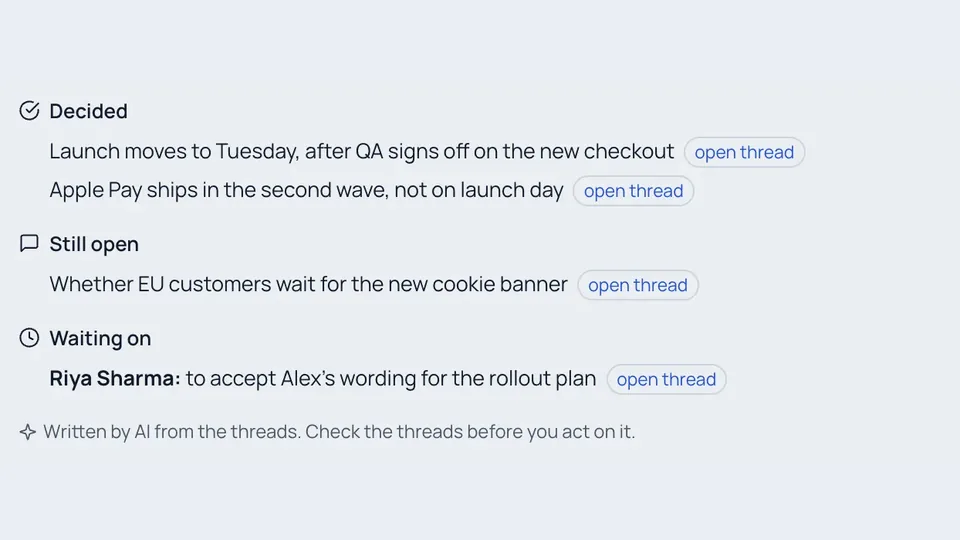
Let Claude, ChatGPT or Cursor read threads, reply, suggest edits, file Jira issues and tell you what's waiting on you.
How it fits together
#- Someone comments. Select a few words and choose Comment, or press ⌘⌥M. The passage is highlighted for everyone who can see comments. See Comments.
- The right people hear about it. @mention someone or assign the thread and they're told under the bell, by email, on their phone or in Slack. See Notifications.
- The discussion reaches a decision. Suggest the words, or let AI draft them from the thread, and an editor accepts them into the page as a new version. See Suggested edits and AI help.
- Work that's bigger than a comment goes to Jira. Create an issue from the thread; it links back, and resolving one offers to close the other. See Jira in pages.
- Nothing falls through. Home lists the threads waiting on you, and a sign-off says when threads are still open. See Assign, Home and sign-off.
Where it works
#| Item | Comments | Jira chips, cards and lists |
|---|---|---|
| Pages | Yes | Yes |
| Markdown documents with an owner | Yes | Chips and links |
| Files (PDFs, slides, sheets, video, HTML) | Not yet | No |
| End-to-end encrypted documents | Never (Markdrop can't read them) | No |
| Documents published without an account | No | No |
Commenting is for people who are signed in and can open the item. Readers who aren't signed in see a clean page, unless the owner chose to show comments publicly.